





How do you create a Google Maps API key?
Here's how to create a Google Maps API key. This key is required for Google Maps to function correctly on your website or application. You can manage this through the Google Cloud Platform, which is accessible via your Google account. After logging in, you can easily get started by creating a new project and activating the necessary APIs.
In this example, we'll use the project "sampleproject." Be sure to replace this with the name of your own Google Cloud project. The project name is displayed at the top of the Google Cloud Platform dashboard and is unique to your environment. Choose a meaningful name so you can easily remember what the project is for later. Now, quickly proceed with creating a Google Maps API key!
Create a Google Cloud console account

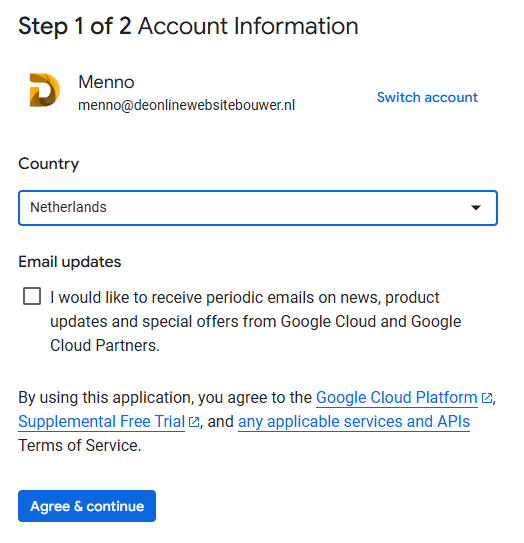
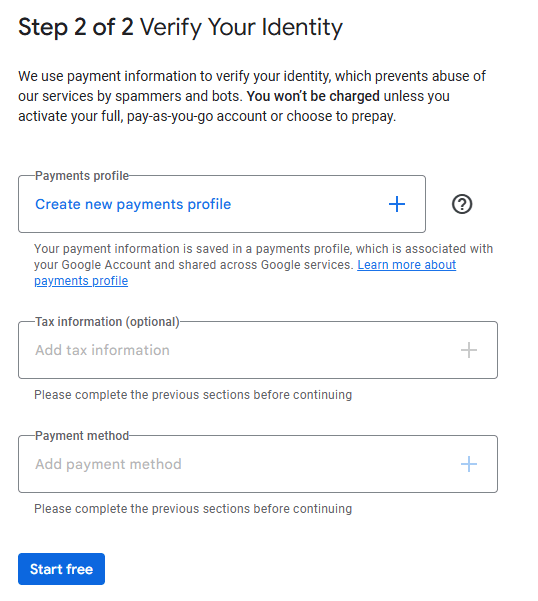
4. Verify your identity by clicking '‘Continue‘' to click.
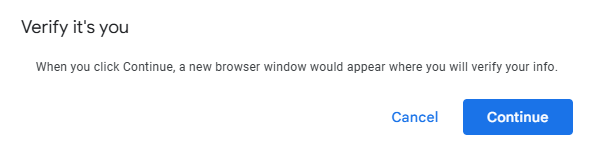
Create a Google Maps API key
5. Accept the payment verification after which you will be redirected and then click on '‘Close‘.
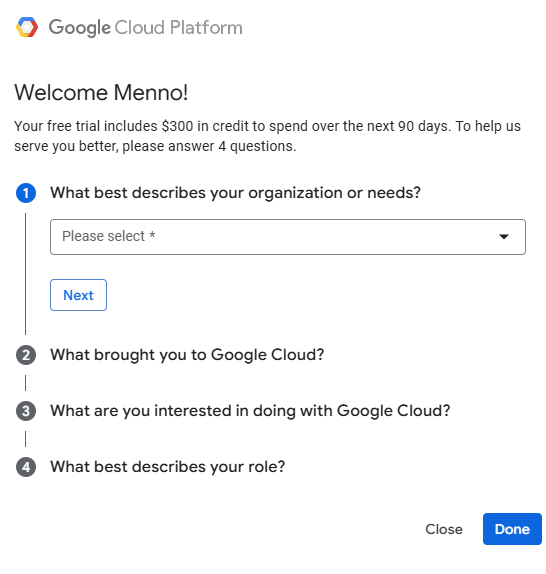
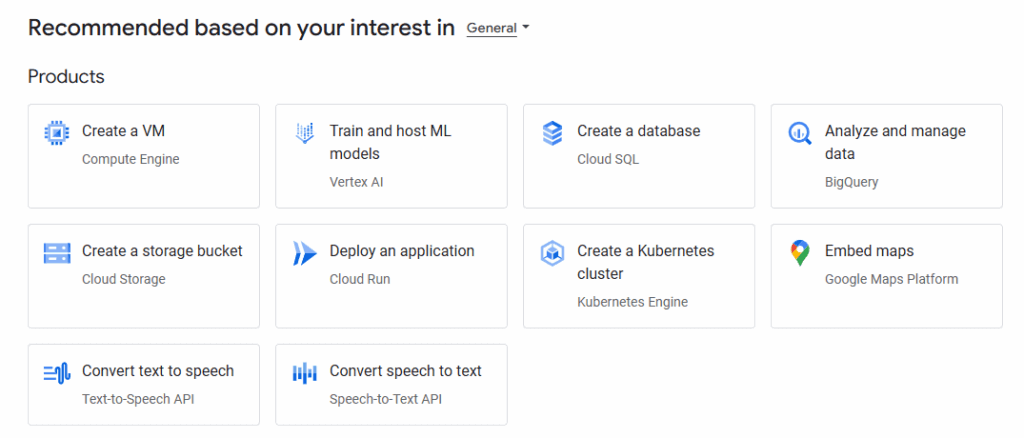
7. The API key has now been generated and you will see it on the screen. You can then find it under '‘Keys & Credentials‘.

8. To get your API key secure, click on the generated key in the overview. You can set restrictions there, such as limiting its use to specific domains or IP addresses. This prevents unauthorized access to your key. Don't forget to save your changes to activate the security.
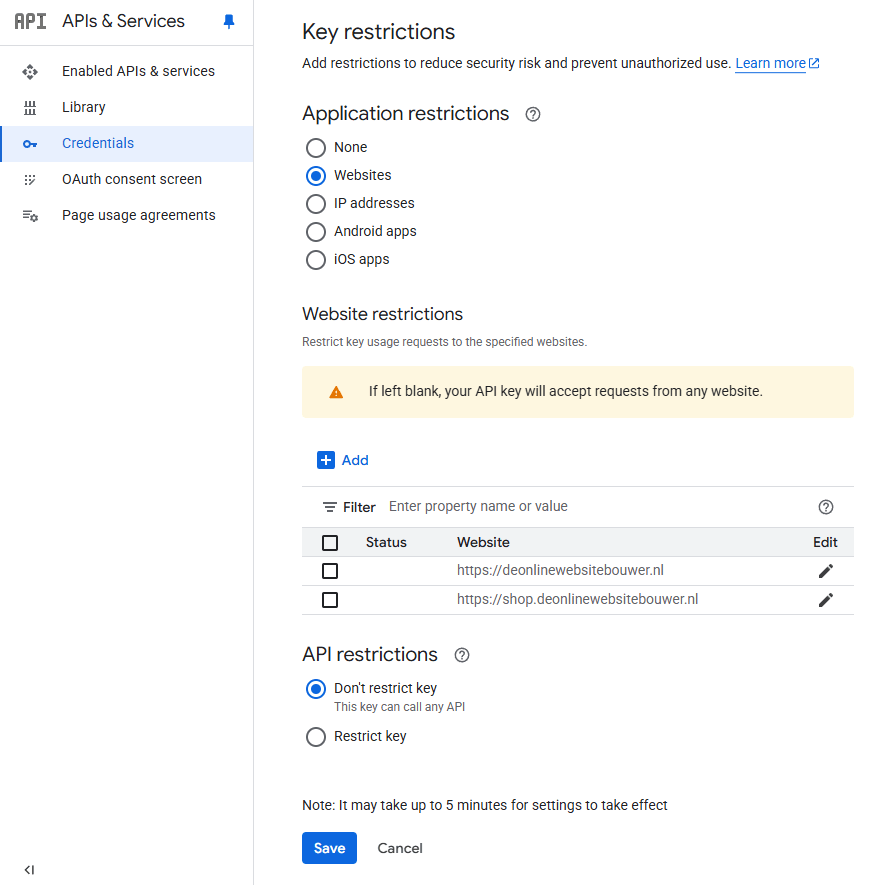
Now that you know how to create a Google Maps API key, you can immediately start integrating Google Maps into your website or application.
Need help? We're happy to help. Send an email to info@deonlinewebsitebouwer.nl or fill it in contact form We'll make sure you can use the Google Maps API quickly and smoothly!
 Dutch
Dutch English